Advanced Scanning for Penny Stock Offering Plays
From TradingHabits, the trading encyclopedia · 15 min read · March 1, 2026
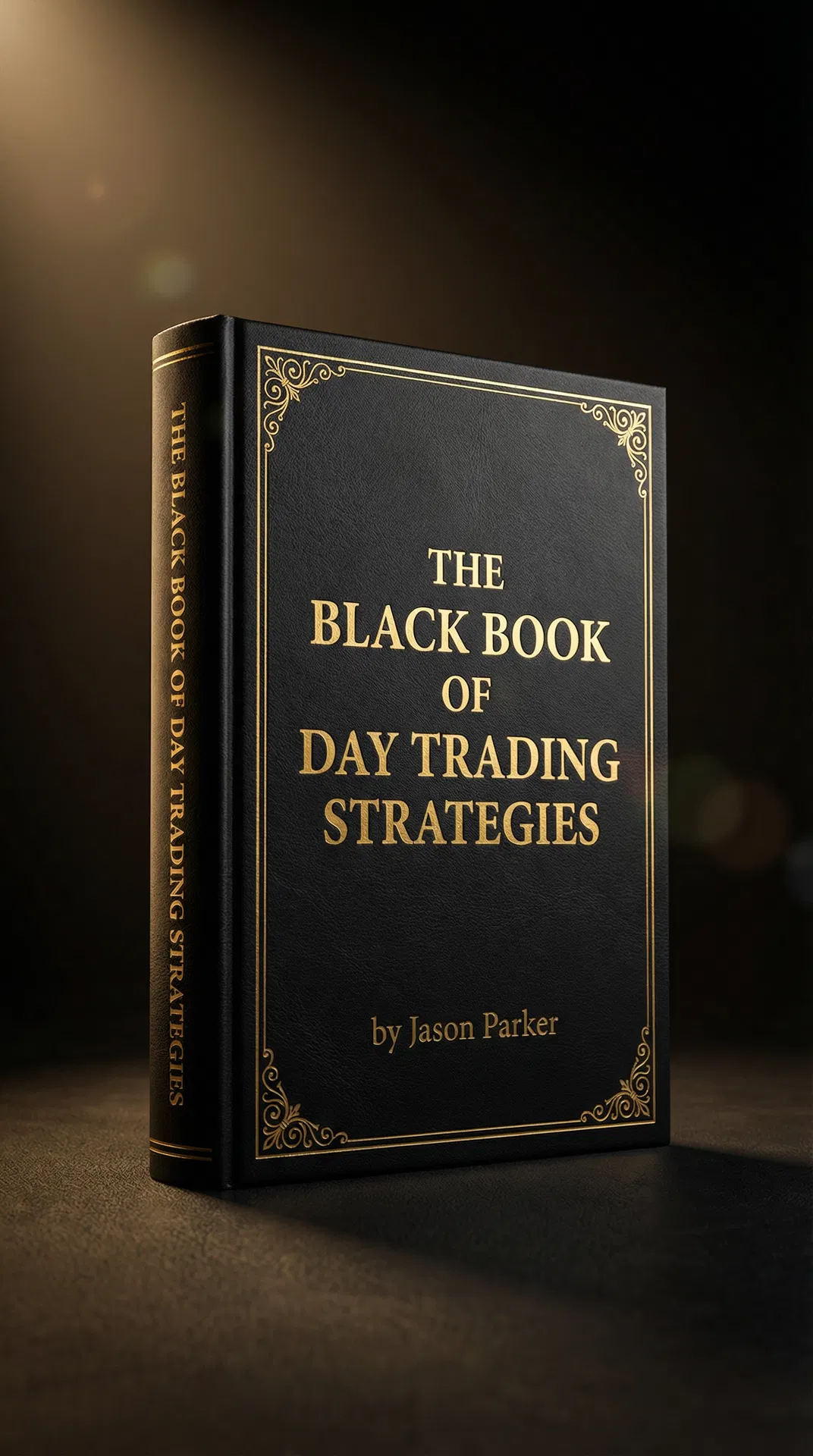
Free Book
The Black Book of Day Trading Strategies
1,000 complete strategies · 31 chapters · Full trade plans
1. Scanner Setup
- Platform: Use a real-time scanner like Trade-Ideas or EquityFeed.
- Filters:
- Price: $0.50 to $10.00
- Average Daily Volume (30 days): > 300,000
- Float: < 50 Million
- Relative Volume: > 3.0
- % Change from Close: < -15%
2. News Catalyst
- Keywords: Your scanner should also be able to scan news headlines for keywords like "offering," "secondary," "direct," "ATM," and "dilution."
3. Pre-Market Gappers
- Gap Down Scan: In the pre-market, scan for stocks gapping down more than 10% on high volume. These are often potential offering plays.
4. Level 2 and Tape Reading
- Identifying Selling Pressure: Once you have a potential candidate, look at the Level 2 and Time & Sales (tape) to confirm heavy selling pressure.
5. Real-World Example
- Scanner: Trade-Ideas
- Alert: A stock, EFG, hits your scanner. It's down 20% pre-market on 5x relative volume.
- News: You check the news and see they announced a secondary offering.
- Confirmation: You look at the Level 2 and see a large seller at the ask.
- Action: You have a high-probability short setup.